Groups
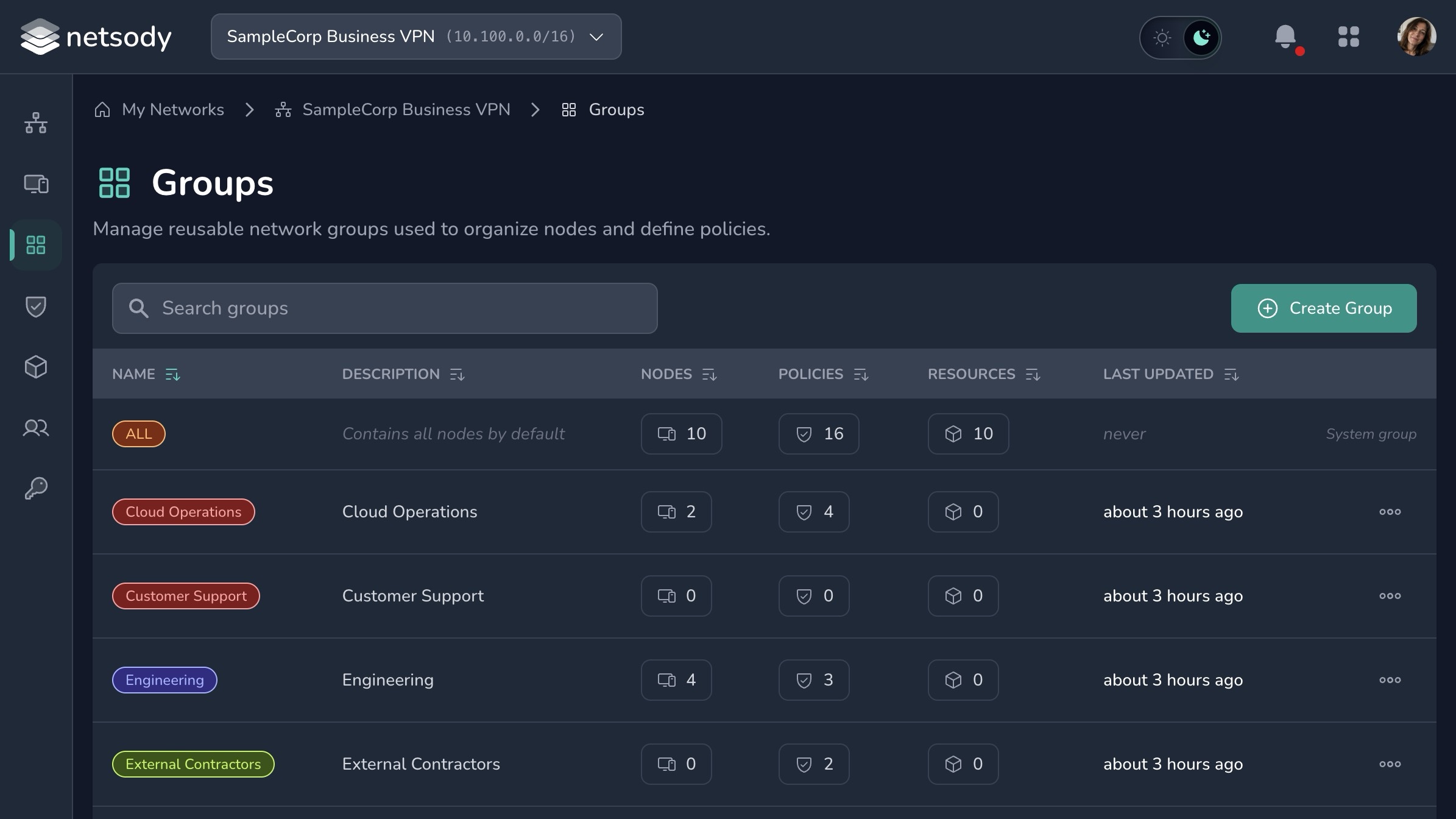
Groups are used to express access intent. A policy can allow one group to communicate with another group, and resources can be limited to selected groups.
A group is a label that can be attached to both nodes and resources. When a group is used as the source or destination of a policy, it expands to the union of every node and every resource tagged with it. A resource can therefore be reached in two equivalent ways: by a policy that targets the resource directly, or by tagging the resource with a group and writing a policy that targets that group. Because of this, a group with no member nodes is not necessarily empty; it may still tag resources and grant access to them.
Grouping guidance
Use groups for stable access models:
- Device role, such as
workstations,servers, orgateways. - Environment, such as
production,staging, orhome-lab. - Responsibility, such as
adminsorcontractors.
Avoid creating groups that duplicate every individual device. That makes policies harder to read and harder to review.
Default access
Netsody follows a default-deny model. Group membership alone does not grant access. Create policies that explicitly allow the communication you want.
See Policies.